Is Your POS Just a Cash Register? Where MakanCloud Differs from a Traditional POS: The Back End
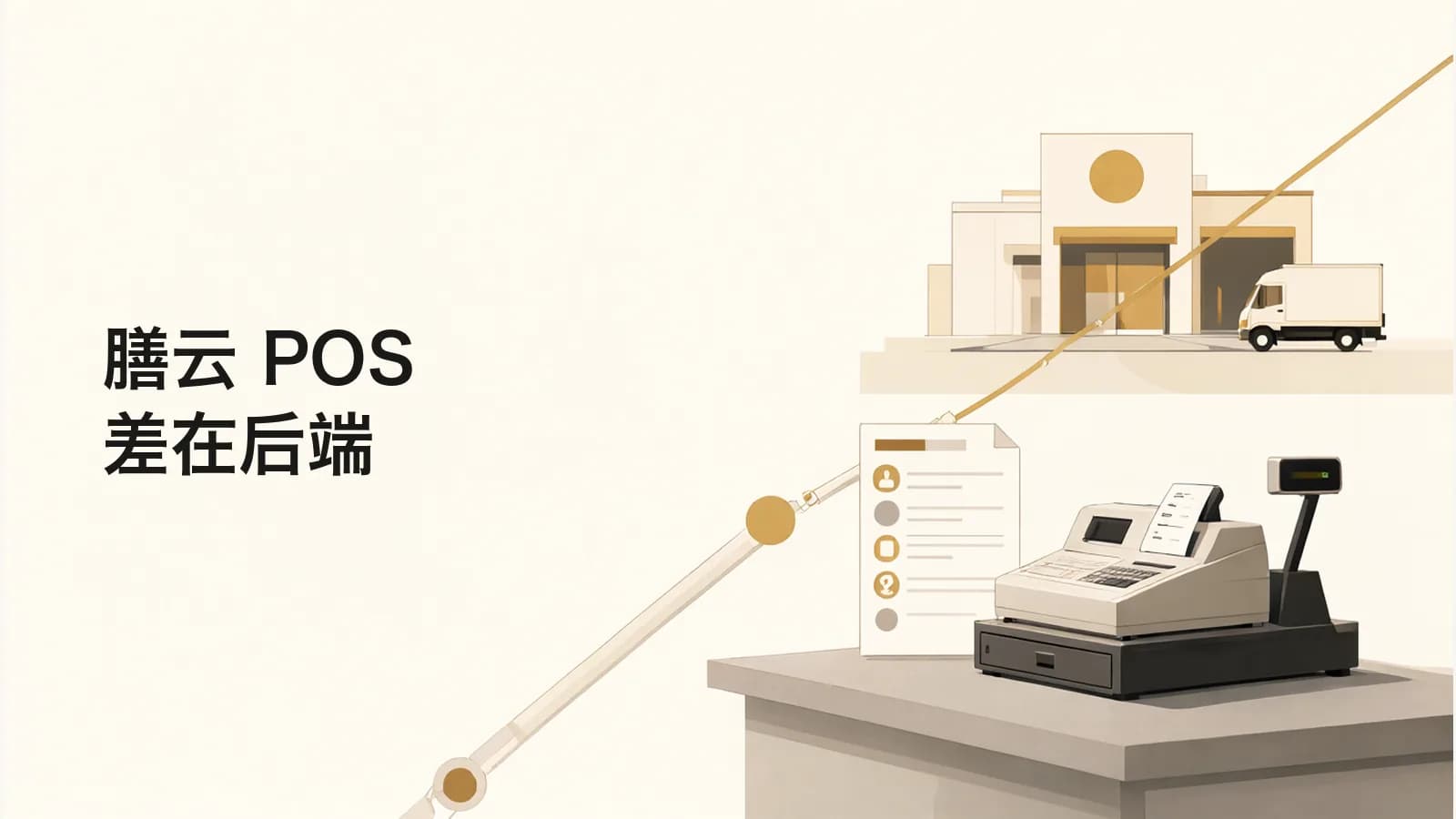
Picture this: it's closing time, and the POS says today was a good day. But first thing the next morning, the head chef notices a few prepped items are running low and fires off an order to the central kitchen in a WeChat group. The central kitchen checks stock in Excel, finds one item ran out ages ago, and ends up calling back and forth to fix the order. Come month-end, front-of-house sales, order records, and dispatch slips live in three separate books, and they never quite line up.
Plenty of F&B owners in Singapore have been through this. Usually the problem isn't whether the POS is easy to use. It's that the POS isn't connected to anything behind it.
1. Where a traditional POS stops: once the payment goes through
Traditional POS systems handle ordering, payment, and receipts really well, but most of their data never leaves the front counter. Outlets placing orders, the central kitchen planning production, drivers making deliveries: those steps are often still held together with WeChat, paper slips, and Excel. The more handoffs you have, the more you see overselling, missed orders, and books that don't reconcile. And when something goes wrong, it's hard to tell which step broke.
For small chains there's also the cost. A traditional POS isn't cheap, and you still have to sort out inventory and ordering on the back end some other way.
2. How MakanCloud does it: the POS is one link in the chain
MakanCloud is built as an end-to-end F&B operations platform, so the POS and the back end live in the same system:
- Outlet ordering: The head chef picks the outlet they're on shift at and orders directly. When HQ confirms, the system checks stock automatically and rejects anything that's out, which cuts down on overselling.
- Central kitchen: Suppliers → purchasing → receiving and stock-in → BOM recipes → production work orders → picking, weighing, and double-checking → temperature check before dispatch. Every step leaves a record.
- Delivery dispatch: One click turns a dispatch slip into a delivery job. Status updates flow through the whole trip, there's a delivery dashboard, drivers get their own app, and every sign-off comes with proof of delivery.
- Front-of-house POS: Counter and table modes, with ordering, payment, receipts, kitchen tickets, shift and end-of-day closing, and GST reports. For QR ordering at the table, customers have to pay first, and orders go straight to the KDS and print a station ticket.
One account can place orders for different outlets, and orders from multiple outlets can be managed in one place.
3. Flaky outlet Wi-Fi doesn't mean closing up
If an outlet's internet drops, the MakanCloud POS keeps taking payments offline. Once it reconnects, everything syncs automatically, with idempotency and replay protection so the same order never gets booked twice. You can switch the whole interface between Chinese and English with one tap, and printouts are always bilingual, which helps outlets with staff who speak different languages.
On the data side: row-level tenant isolation, TLS encryption in transit, automatic backups every night at 2 AM kept for 14 days, and a security audit every iteration.
4. Pricing and free trial
- Starter: S$59/month, 1 outlet, 2 POS terminals
- Pro: S$129/month, 5 outlets, 10 POS terminals, includes staff scheduling
- Growth: S$199/month, 15 outlets, 30 POS terminals
- Enterprise: S$299/month, unlimited outlets and terminals
You can try the Pro plan free for 14 days, no credit card needed. After you sign up, initial setup takes about 5 minutes.
If you're running a central kitchen plus several outlets, or reconciliation is giving you headaches, tell us in the comments how your ordering works today, and we'll help you figure out which step is most likely to go wrong. Want to jump straight in? https://makancloud.com/register