My AI Kept Failing on a 3-Page Invoice, and It Taught Me That an Empty Result Is Still a Failure
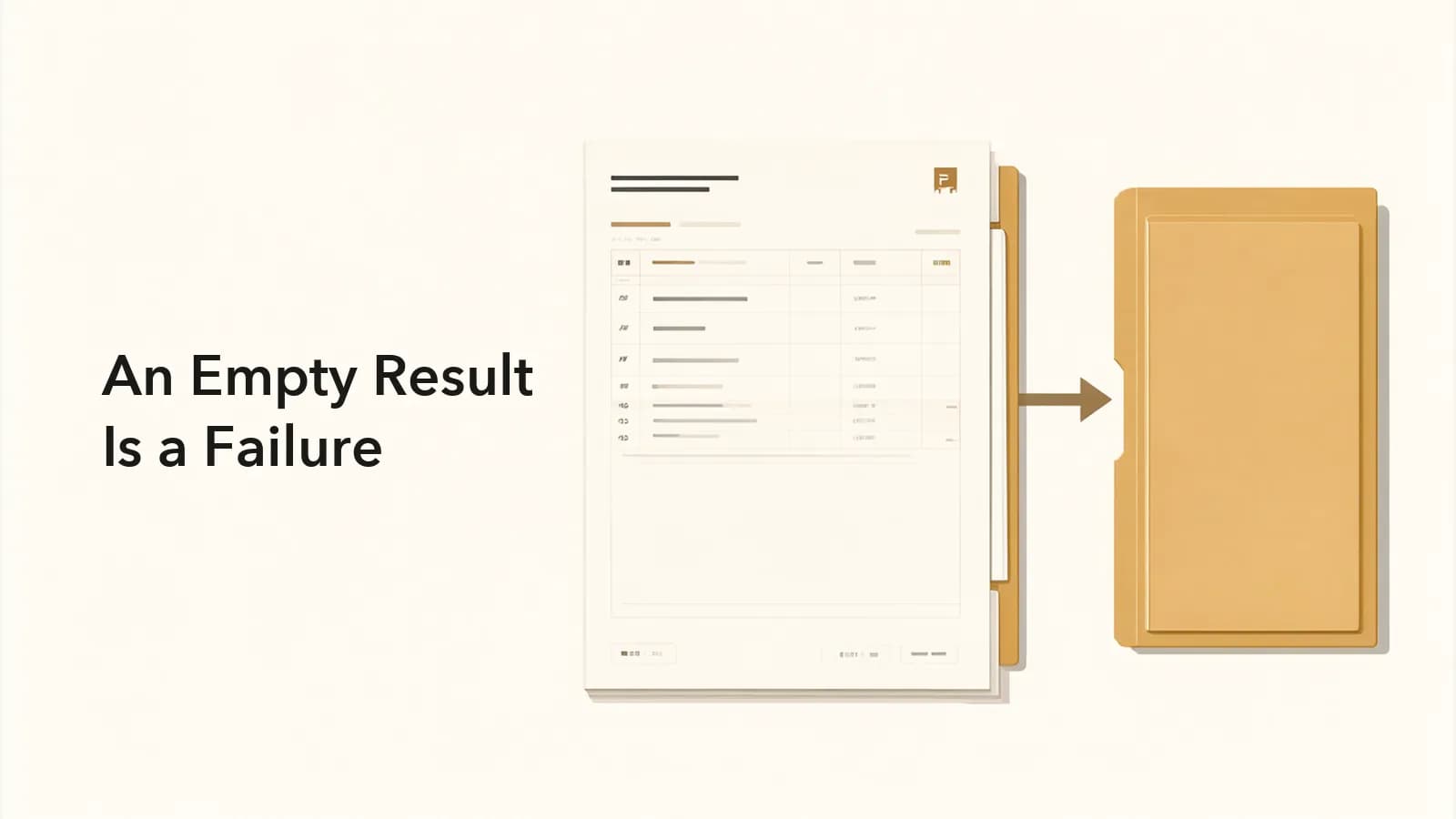
I sank a lot of time into one bug this week. Once it was fixed, the code wasn't the thing I most wanted to write down. It was a lesson about working with AI: when an AI quietly hands you an empty result, that's more dangerous than an outright error.
Here's what happened
I'm building a "document comparer" that helps F&B outlets check supplier paperwork. The monthly statement, the invoice, the delivery order (DO) and the supplier's master price list all need to agree with each other. This week I added DO checking, and every document can now be uploaded as a PDF or a photo.
During launch testing, one monthly statement (3 pages, 111 line items) just wouldn't get recognized.
I had Claude run /plan first and find the root cause before touching any code. Here's what it found:
- When all 3 pages went to Qwen3.8 Flash at once, the model's reasoning used up the entire max_tokens budget. It ran for 100 seconds and then returned nothing but
[]. - Switching to Gemini got the output cut off partway through.
- Every attempt took 100–200 seconds. That's past our own 120-second timeout and past Cloudflare's 100-second limit too.
The worst part: the system counted that [] as a successful recognition and saved it as an empty document. Everything looked fine on the surface, so nobody would ever have noticed.
Lesson 1: Treat empty results as failures
The old fallback chain only moved to the next model when the current one threw an error. But LLMs often don't throw errors. They give you an answer that looks perfectly valid and has nothing in it.
The new rules:
- If the model returns only
[]ornull, that's a failed recognition. - If
finish_reason=length(the output got truncated), that's a failure. - If a page comes back with 0 rows, try the next model before accepting it.
If any of these trigger, the fallback chain moves on to the next model automatically. No more saving empty documents.
Lesson 2: Break big jobs into small ones, then run them in parallel
With 3 pages in one go, the model had to read, reason and write out 110+ rows all at once. It ran short on both tokens and time. Splitting the work up made everything simpler:
- Each page is recognized on its own, with up to 6 pages running in parallel.
- Each page gets its own fallback chain, so one failed page doesn't drag down the rest.
- For pure copy-it-down jobs like reading a monthly statement, I turned off Qwen's reasoning and set Gemini to low reasoning. All the tokens that saves go to output instead.
- I raised max_tokens from 16000 to 32000.
Then I tested the same monthly statement again. It finished in 27–50 seconds and pulled all 110 rows, and both the running balance and the closing balance reconciled.
I didn't get there on the first try, either. One version broke the moment you hit "Recognize" after it shipped, so I went back for another round of debugging. That's what real development looks like.
The workflow I'm keeping
- Have the AI find the root cause before it changes anything. Don't open with "just fix it."
- Define exactly what counts as a failure. Empty, truncated and zero-row results all count.
- If a task is too big, split it up and give each piece its own fallback.
- If a task doesn't need reasoning, don't make the model reason.
None of this is specific to document recognition. It applies anywhere you're putting an LLM into a production workflow.
Have you ever run into one of these "looks like it worked, but it's actually empty" moments with AI? Tell me about it in the comments. And if your restaurant or company needs help with reconciliation or checking supplier documents, feel free to DM me.