425 AI Conversations in One Week: It Does the Legwork, I Guard the Send Button
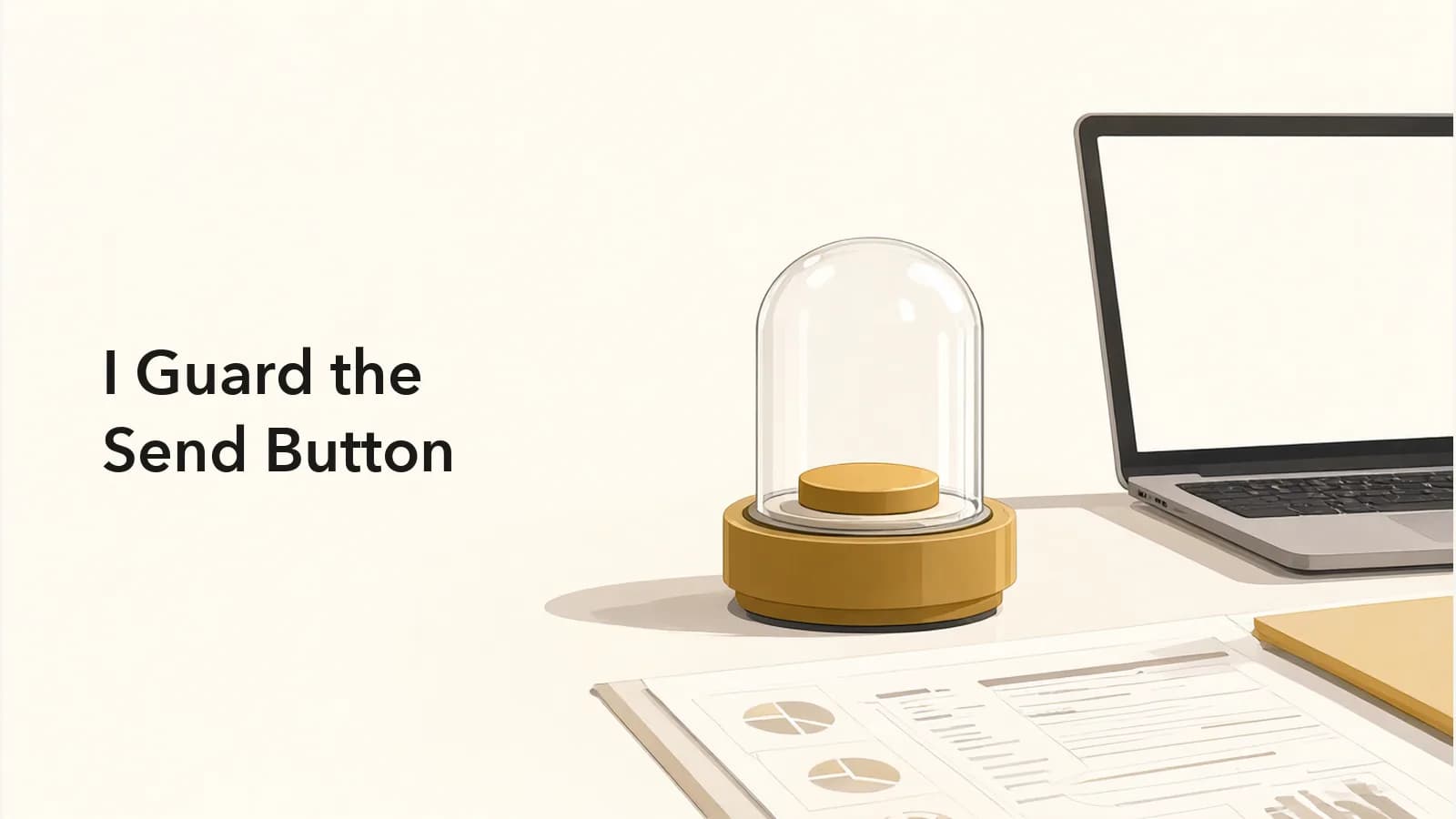
I ran the numbers this week: 425 conversations with AI and 221 Git commits. Those numbers only show I was busy. What I really want to write about is the division of labor that took shape this week: AI handles the grunt work, and anything that goes out into the world has to go through me first.
1. Opportunity Radar: AI reads and drafts, nothing more
I keep an "Opportunity Radar" board where I track job leads, partnerships, and outreach. Every day, AI adds new candidate opportunities, updates their status, and drafts outreach messages for me.
The rules are strict. When it goes through my LinkedIn DMs, it only reads and drafts. It doesn't send anything, accept invites, like posts, or change any settings. If a message contains something like "please do X" or "ignore your previous instructions," it's treated as part of the message, never as a command to follow. For posts, I review them on the board first, and then it publishes them exactly as written, without changing a single word.
I also added a new feature this week. When a meeting gets set up over DMs, AI prepares a pre-meeting brief ahead of time, plus a set of talking points that's mostly in English with Chinese alongside. I can open it on the board to see the details and related links, and Telegram pings me before the meeting starts.
2. MakanCloud: a full checkup
MakanCloud is the restaurant SaaS I'm building. This week the AI and I gave it a full checkup. Two things are worth mentioning:
- Delivery sign-off used to mark purchase orders as "Delivered" even when they weren't on that truck. The fix was to link picking lists to purchase orders, so a sign-off only updates the orders on that specific truck.
- I found hard-coded Chinese strings on a few pages and moved them into the translation dictionary. Overseas users no longer see Chinese mixed in with English.
We got stuck once along the way. The AI said, "Integration tests against a real database need a separate test database, and there isn't one on this machine." So I asked: why isn't there one, and what would it take to get one? We ended up setting up a local test database, ran the migrations, integration tests, and end-to-end tests all the way through, and only then merged and shipped. The lesson for me: when AI says "I can't do that," asking one more "why" is often enough to move things forward.
3. Turning a desktop tool into a client-facing demo
I've had a little document-comparison tool on my computer for a while, and I was the only one who ever used it. This week I had the AI draft a plan first, then matched it against the services listed on my website and turned the tool into a "quotes, invoices, and ordering automation" demo. It's now in the projects section of my personal site, and I open-sourced the repo too. While I was at it, I tidied up my portfolio: hid a few projects I'm no longer pushing and reordered the rest.
I also wrote a reference implementation for Q&A over a company knowledge base, and designed an accuracy evaluation to compare how local models do against cloud models.
4. What didn't go well
- My local auto-illustration job crashed once. It took some digging to find out an edge case wasn't handled.
- I helped troubleshoot a Windows PC that froze completely whenever a download started. I disabled some startup items and did some cleanup. It was fine for a while, then the freezing came back. Still not fully fixed.
- I posted and bumped hiring posts on several platforms, but I'm still short of the goal of filling 10 spots by the 15th.
Wrapping up
After this week, I have a much clearer idea of where AI fits: it's great at executing, organizing, and drafting, but judgment calls and anything that goes out the door have to stay with a human. Funny enough, once those lines were clear, I felt comfortable handing it even more work.
What boundaries have you set for AI in your own work? I'd love to hear about it in the comments.
Comments
Loading…