We Launched QR Table Ordering. Here's Why We Insist on 'Pay First, Then Order'
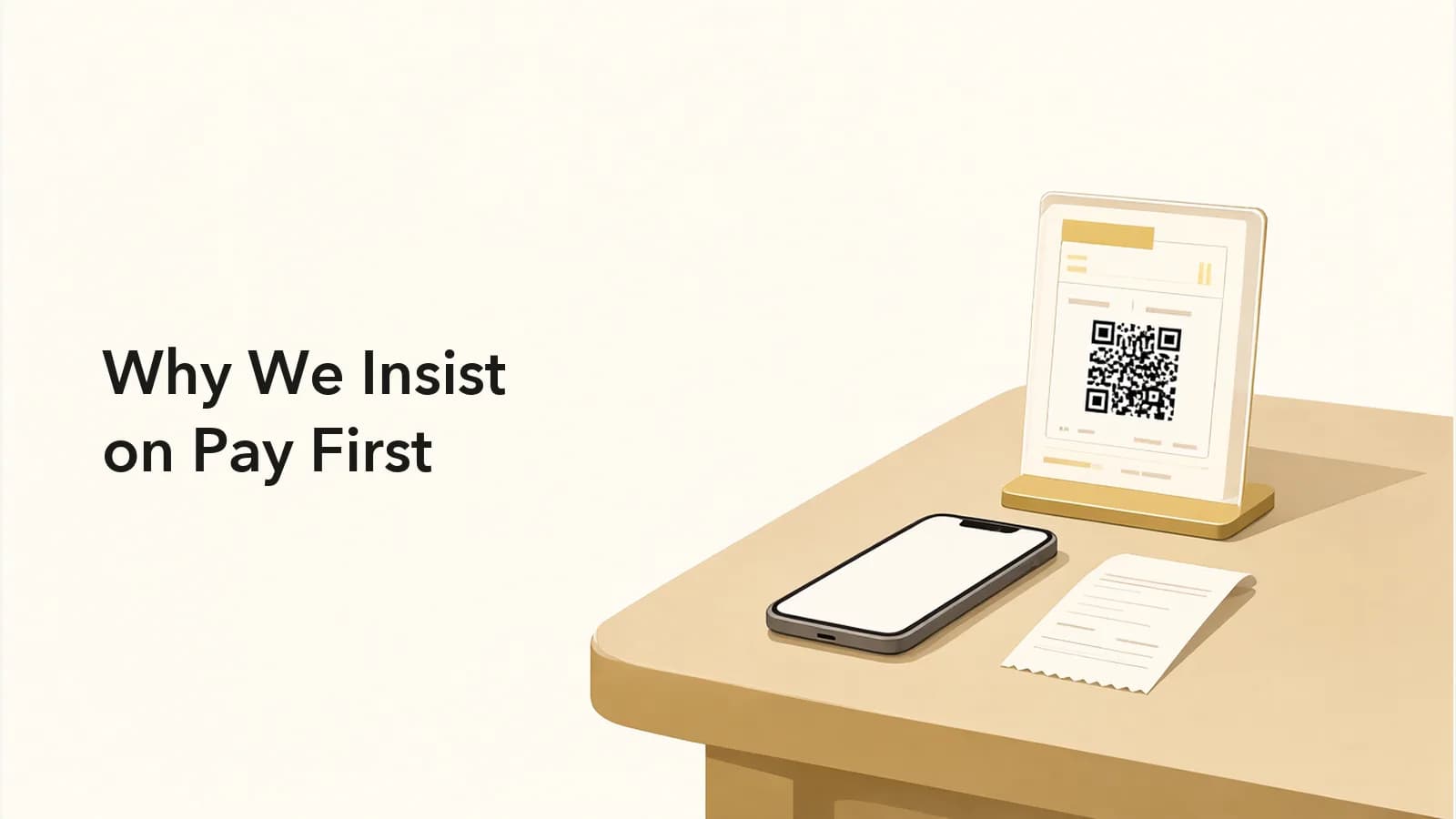
Plenty of restaurants have tried QR ordering. But after a while, most of them figure out the same thing: sticking a QR code on the table doesn't automatically fix anything.
Customers order and never pay. Orders never make it to the kitchen. The kitchen prints the same ticket twice. The next table sits down and sees what the last table ordered. These are the headaches restaurants actually deal with every day.
MakanCloud's QR table self-ordering went live this June. This post covers how we designed it, and why we added a 'pay first, no exceptions' rule just one day after launch.
Fixing the staffing problem first: customers order on their own, no waiting
The most common thing you see in Singapore F&B outlets is a staff shortage. During the lunch rush, one server is taking orders, handling payments and running food all at once. The moment people have to queue to order, they start getting impatient.
MakanCloud generates a unique QR code for every table. Customers sit down, scan, and order. No sign-up, no login. Servers don't have to hover by the table writing orders down, so they can spend that time getting food out and actually looking after guests.
Why payment has to come first
On June 13, QR ordering shipped in v8.3.0, with HitPay payments already built in. By v8.3.7 on June 14, we'd switched it to mandatory upfront payment: an order only exists once it's paid.
The reasoning is simple. If you let customers place their own orders but also let them eat first and pay later, you're basically handing the restaurant a trust gap and asking them to plug it themselves. People who order and don't pay, chasing tabs after the meal: all of that risk lands on the front counter. With pay-first, the front counter never has to chase anyone, and every ticket the kitchen cooks has already been paid for.
Getting orders to the kitchen: straight into the KDS, printed at the right station
Once payment goes through, the order flows automatically into the kitchen display system (KDS) and prints a ticket at the right station. Nobody has to re-key anything, which means fewer missed orders and fewer transcription mistakes.
We went pretty deep on the printing piece. The cloud generates ESC/POS commands and sends them straight to the printer through a local print bridge, and the server atomically claims every print job so nothing gets printed twice. We shipped another round of fixes in v8.3.8 on June 14: if the KDS loses its real-time connection, it now reconnects on its own, so a flaky network doesn't leave the kitchen blind to new orders.
The front counter and the next table: live table map, orders isolated per table session
The table map at the front counter updates in real time, so staff can see at a glance which tables have ordered and paid. Paid tables can be cleared, and voiding an item comes with a reason-logging flow.
In v8.5.1 on June 18, we also started isolating self-order history by table session. When new customers sit down and scan, they get a clean list. They won't see what the previous table ordered.
It's not a standalone ordering tool
QR ordering is part of MakanCloud POS. The POS supports both counter and table service modes, and it lives on the same platform as back-of-house purchasing, inventory, central kitchen and delivery. The interface switches between Chinese and English in one tap, and printouts are always bilingual, which helps when your team speaks different languages.
Plans start at S$59/month (Starter), with Pro at 129, Growth at 199 and Enterprise at 299. Right now you can try Pro free for 14 days, no credit card needed. Initial setup takes about 5 minutes after you sign up: https://makancloud.com/register
Have you used QR ordering at your restaurant? Which part gave you the most trouble? Let me know in the comments.
Comments
Loading…