Lunch-Rush Queues, Missed Orders, Walkouts? We Switched Our QR Ordering to Pay-First
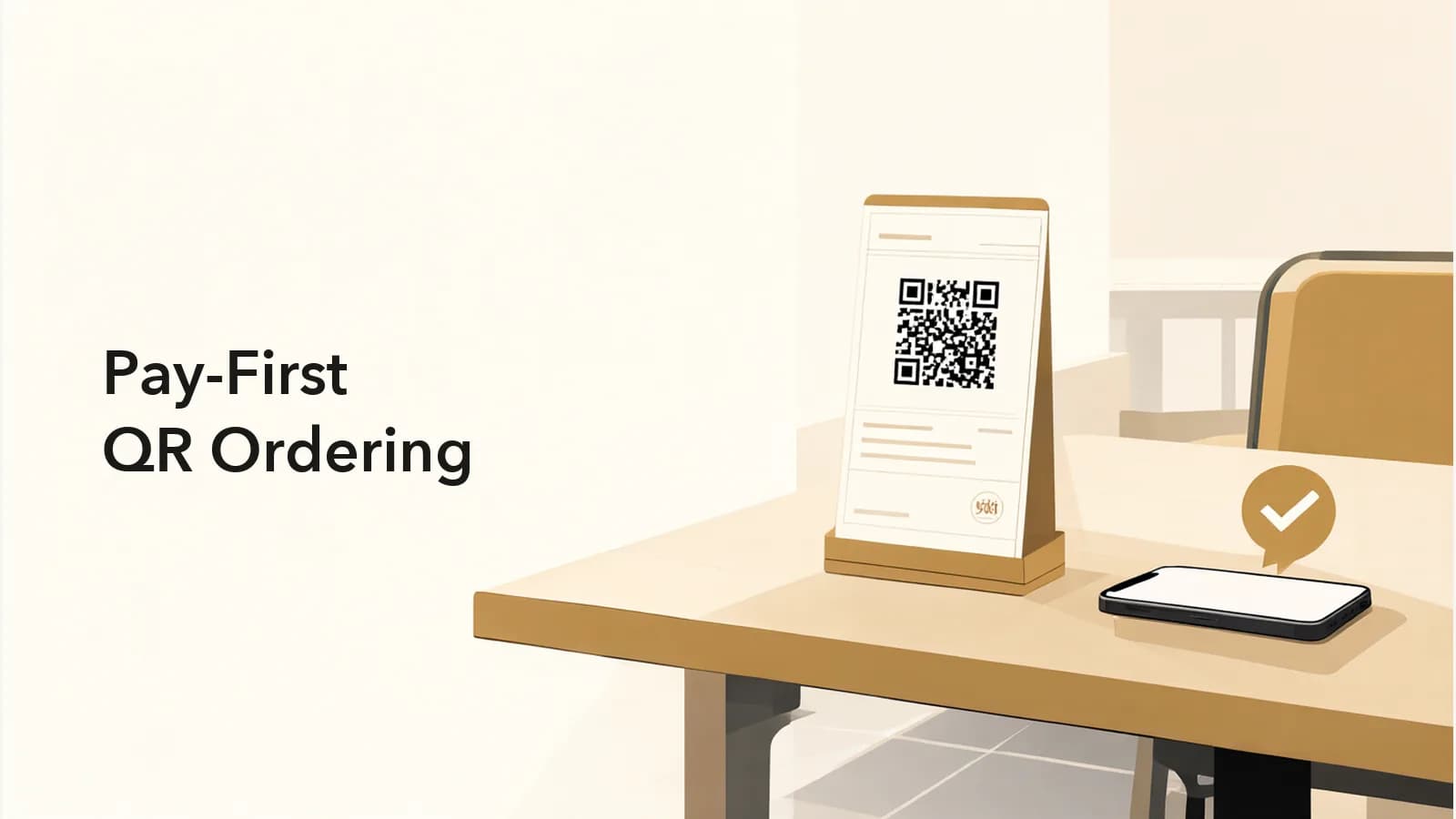
It's 12:30pm and every table is full.
Table 3 has a hand up. Table 7 wants to add a dish. There's a queue at the door. A server is running between tables with a notepad, and on the way back to the kitchen one dish gets dropped from the order. The customer only notices twenty minutes later. Meanwhile another table finishes eating, and by the time someone comes over with the bill, they're gone.
This isn't one particular restaurant. It's what peak hour looks like for a lot of F&B owners in Singapore, every single day. When you're short-staffed, the problems start at ordering and snowball from there.
In this post I want to walk through how MakanCloud's table QR self-ordering deals with this, and why we eventually made it pay-first only.
1. Hand the ordering step back to the customer
MakanCloud generates a unique QR code for every table. Customers sit down, scan it, and browse the menu and order right on their phone. No app to download, no sign-up, no login.
That cuts out the most labour-hungry part of peak hour: waiting for a server to come take the order. Your staff can spend their time running food, clearing tables, and actually looking after guests, instead of shuttling between tables with a notepad.
Orders are isolated per table session. When a new group sits down and scans, they see a clean order list, not whatever the previous table ordered.
2. Why pay-first is non-negotiable
When we first launched table QR ordering, we went with the order-now, pay-later flow most restaurants are used to.
We quickly found a trust gap: the order goes into the kitchen, the food gets cooked, but there's no guarantee you'll actually get paid. For shops with a low average ticket and fast table turnover, even a handful of abandoned orders or walkouts a week is real money lost, and it puts your staff in an awkward spot.
So in a later release we made self-ordering pay-first only: the order only enters the kitchen flow once the customer has paid on their phone (via HitPay). We also shipped a live-refreshing table map, so the front counter can see every table's order and payment status in real time.
It looks like we just swapped the order of two steps, but it changes the whole logic: every ticket that reaches the kitchen is one you've already been paid for.
3. Once paid, the order walks itself to the kitchen
As soon as payment goes through, the order lands on the KDS (kitchen display system) and the right station tickets print automatically. No one has to copy it down by hand or shout it across the kitchen.
We've stepped on plenty of landmines with printing, so we built in a few layers of protection:
- Print content is generated in the cloud and sent straight to the printer through a print bridge running on the store's own machine, so you don't need fiddly cross-subnet network printing setups;
- The server atomically claims each print job before printing it, so the same ticket never prints twice;
- The KDS reconnects automatically if it drops, tables that have paid and left get cleared, and voided dishes go through a dedicated reason-logging flow.
4. It's not a standalone ordering tool
QR ordering is just one piece of MakanCloud. It lives on the same platform as our POS (counter + table modes), inventory, store purchasing, and central kitchen, and all the data flows between them. The POS also keeps taking payments when the internet goes down, then syncs automatically once it's back online, with duplicate protection.
The whole interface switches between Chinese and English in one tap, and printouts are always bilingual, which makes life easier for shops with multilingual staff.
On pricing: the Starter plan starts at S$59/month (1 outlet, 2 POS terminals). For multiple outlets there's Pro at S$129, Growth at S$199, or Enterprise at S$299.
Wrapping up
If your shop deals with lunch and dinner ordering queues, missed orders, or just doesn't feel confident about getting paid, give it a try: a 14-day free trial of the Pro plan, no credit card required. Initial setup takes about 5 minutes after you sign up.
Start your trial here: https://makancloud.com/register
And I'd love to hear from you in the comments: what's the biggest bottleneck in your shop during peak hour? We read every single one.
Comments
Loading…