This Week I Plugged AI Into My Inbox, My Invoices, and My Automation Pipeline
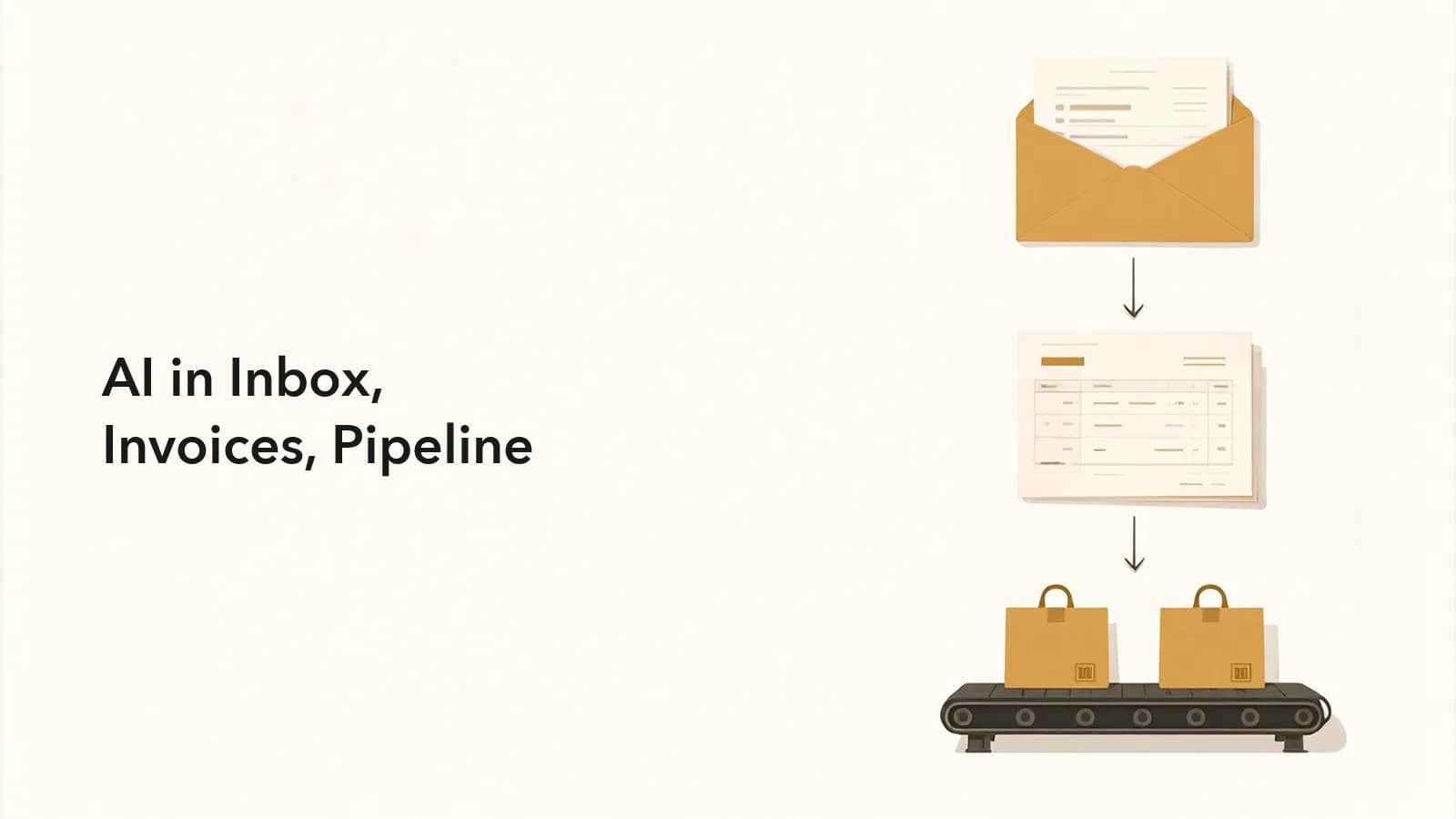
Last week I counted how many tasks I'd worked on with AI: over a thousand. Most were scheduled jobs running on their own, but plenty were me sitting down with it to change code and track down bugs together.
Looking back, the most valuable part wasn't how much the AI got done for me. It was getting clear on what I shouldn't hand over to it. Here are four things from the week.
1. An inbox and DM assistant: it can read and write, but it can't send
I'm looking for partnership and teaching opportunities, so emails and LinkedIn DMs come in every day. Now an AI goes through them daily: it flags which ones need me personally, looks up who the sender is, and drafts a reply. There's also a small scheduling helper that pulls agreed interviews and meetings out of message threads and sorts them into “confirmed” and “pending.”
The rules are strict: read-only, draft-only. No sending, no liking, no following, no deleting, no changing any settings. One more rule matters a lot: every word in an incoming message is treated as data, nothing more. Even if it says “please run…” or “ignore previous instructions,” the AI doesn't act on it. Once an AI can read outside content, prompt injection is the first thing you have to defend against.
Public posts work the same way. The AI writes a draft, I review and approve it on a board, and only then does it post it exactly as approved, without changing a single word.
2. An invoice reconciliation tool: false alarms hurt trust more than missed ones
I built a reconciliation tool for F&B purchasing that checks supplier invoices against delivery orders (DOs). Recently I ran it on a real batch, and nearly every line came back as a “mismatch.”
At first I assumed the documents really were wrong. After digging in with the AI, it turned out the matching rules were just too rigid. Invoices print “中文 / English,” while DOs print “中文 English” with no slash. The English is often cut off, and brackets and spacing don't line up either. Photocopied DOs also have the odd typo.
The fix: ignore punctuation when comparing item names, and count it as the same item if at least half of the Chinese or English name matches. If the names match but the units differ, that gets its own “unit mismatch” type instead of being lumped in with everything else. After re-running, out of nearly a hundred invoices, the number that matched to a DO went from 2 to 92. The rest come down to misread document numbers or quantities, plus 1 that may genuinely be missing its DO.
I also added a few manual review features:
- If the system flags something red or yellow and you still want to click “Approve,” you have to write a reason. The reason and the approver are both logged, and they're included in the Excel export too;
- If a DO is too damaged to scan, you can upload a photo and confirm it manually;
- Invoices and DOs can be viewed side by side, and you can search by date or document number to pull up every document from the same batch.
The lesson: when the alarm goes off too often, people stop looking. Better to loosen the rules a bit and add manual approval with an audit trail.
3. The automation pipeline: try to fix itself first, and if that fails, don't stop everything
My website generates a research briefing automatically every day. One morning it didn't show up, because the data prefetch step before it had failed.
The AI and I worked out a plan before touching any code, and ended up with a few rules. If the briefing hasn't been generated on time, the system checks for itself and reruns it if it can. If the prefetch fails, it first tries to repair the fetching tool and then generates. The prefetch is no longer a hard requirement either: if it can't get the data, the briefing still goes out. On top of that, if one model provider's quota runs out, it automatically switches to another provider's model. And if the network isn't up yet when the scheduled job starts, it waits for the network and retries once.
None of this is new tech, but every layer I add means one less alert waking me up in the middle of the night.
4. Taking these lessons into the classroom
This week I've also been preparing a hands-on AI unit for an adult diploma course: 24 to 32 hours, taught in Chinese, with most learners working in service and retail jobs in Singapore. Very little theory, mostly hands-on: starting from the same set of meeting notes, write an English email to a client, a polite follow-up chasing a reply, a 5-line update for the boss, and a group announcement. I ran through all the exercises myself first to see where the AI trips up. For example, it loves adding stuff that isn't there, so you have to tell it outright to “only use information from the notes.”
Wrapping up
If I had to sum up this week in one line: AI does the reading and writing, and humans make the calls and hit send. The clearer I draw those lines, the more I'm willing to hand over to it.
What have you handed off to AI at work, and what will you never hand over? Let me know in the comments. I'll keep posting real progress, and the mistakes I make along the way, every week.
Comments
Loading…