A Kitchen Printer Swap, and the Two Things We Shipped Along the Way
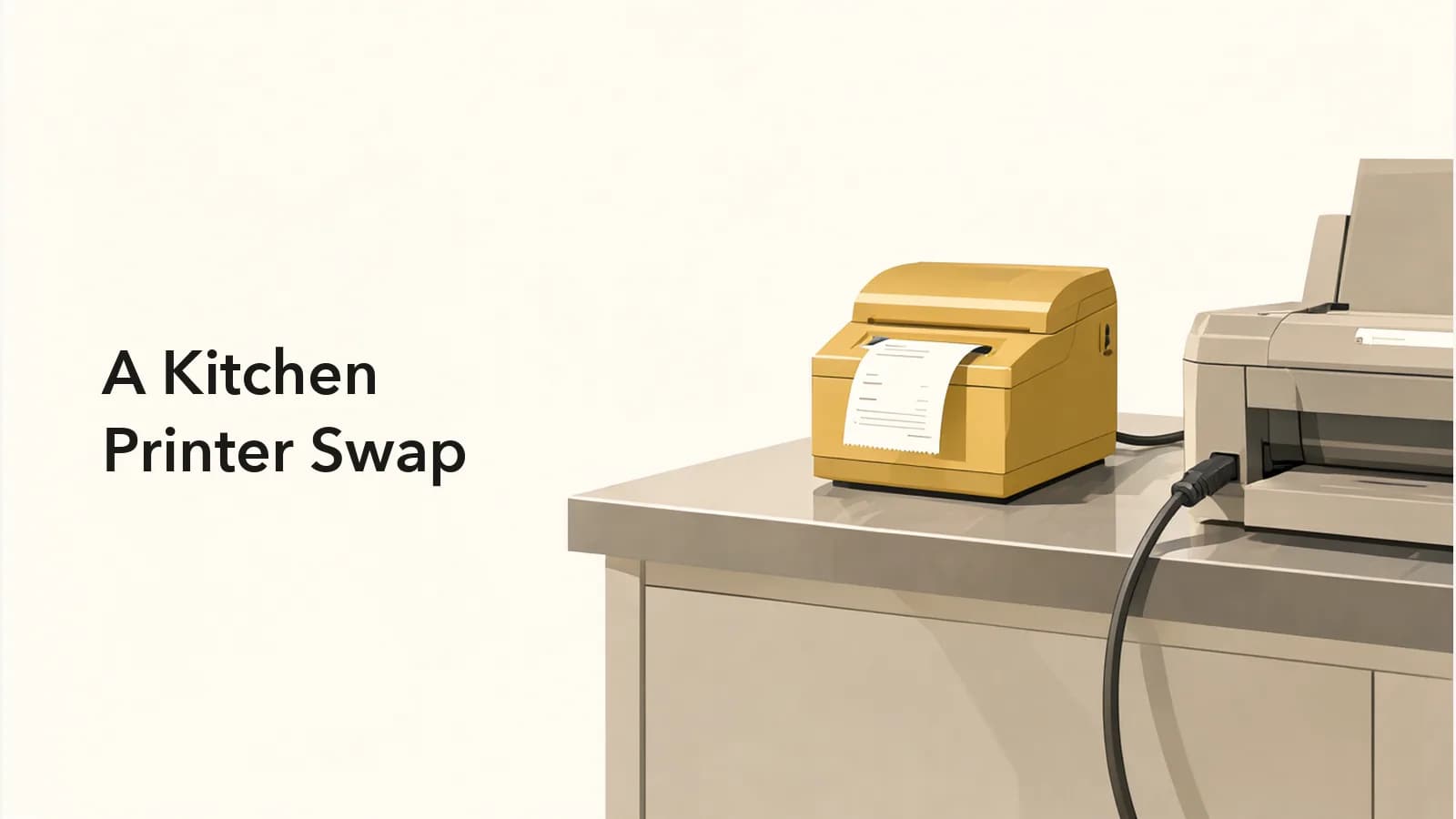
Friday night, a message came in from one of our restaurants: they'd just swapped in a new receipt printer in the kitchen, the network cable was already plugged in, and could we help set it up?
Every restaurant runs into this sooner or later. A printer dies, gets replaced, or moves to a new spot. If the kitchen isn't printing tickets, the orders taken out front never make it to the stove. This week's MakanCloud updates also happen to be about the day-to-day running of a restaurant, so I'll use this printer swap to walk through them.
A real printer swap in four steps
Here's roughly how it went that night:
- We had the restaurant print a self-test page from the printer to confirm the model and its current network settings.
- They unplugged the old printer, and we gave the new one a static IP so it can't wander off to a new address and go missing later.
- From our side, we checked that the network connection worked and that the print port was responding. Both were fine.
- We printed a test ticket, the Chinese text came out correctly, and that was it.
Sounds simple. The worst part of any printer swap, though, is not knowing which step you're stuck on. So we turned this into a standard install and remote troubleshooting process. Next time a restaurant swaps a printer, we just follow the steps.
Print Assistant is live: use it first for new installs
Print Assistant officially launched this week. For new restaurant installs, Print Assistant is now the default, and the old print bridge stays around as a backup.
The way MakanCloud handles printing hasn't changed: tickets are generated in the cloud, and the restaurant's own machine sends them straight to the printer. The server atomically claims each order so nothing prints twice. Every printout is bilingual, Chinese and English, so kitchen staff can read it whichever language they speak.
Directors can clock in by picking a location from a list
The other update came from teams running multiple outlets.
Some owners and directors visit several outlets in a single day, so their accounts are set to "any location." Until now, when they clocked in on their phones, the system couldn't reliably tell which outlet they were actually at. Now directors with "any location" accounts can pick where they are from a list when they clock in. Attendance records line up, and month-end reconciliation gets a lot easier.
It's a tiny change. But anyone who has actually managed more than one outlet knows that "which outlet is this person at?" comes up every single day.
Wrapping up
What MakanCloud is trying to do is put ordering, the central kitchen, delivery, and POS all on one platform. However long the feature list gets, it always comes back to the small things that come up in a restaurant every day.
The last time your restaurant swapped a printer, or dealt with attendance across multiple outlets, what went wrong? Drop a comment. Next week's update might start with your problem.
Want to try it yourself? https://makancloud.com/register
14-day free Pro trial, no credit card needed, and initial setup takes about 5 minutes.
Comments
Loading…